
How to Deposit at LuckyMate — Methods, Limits & Speed
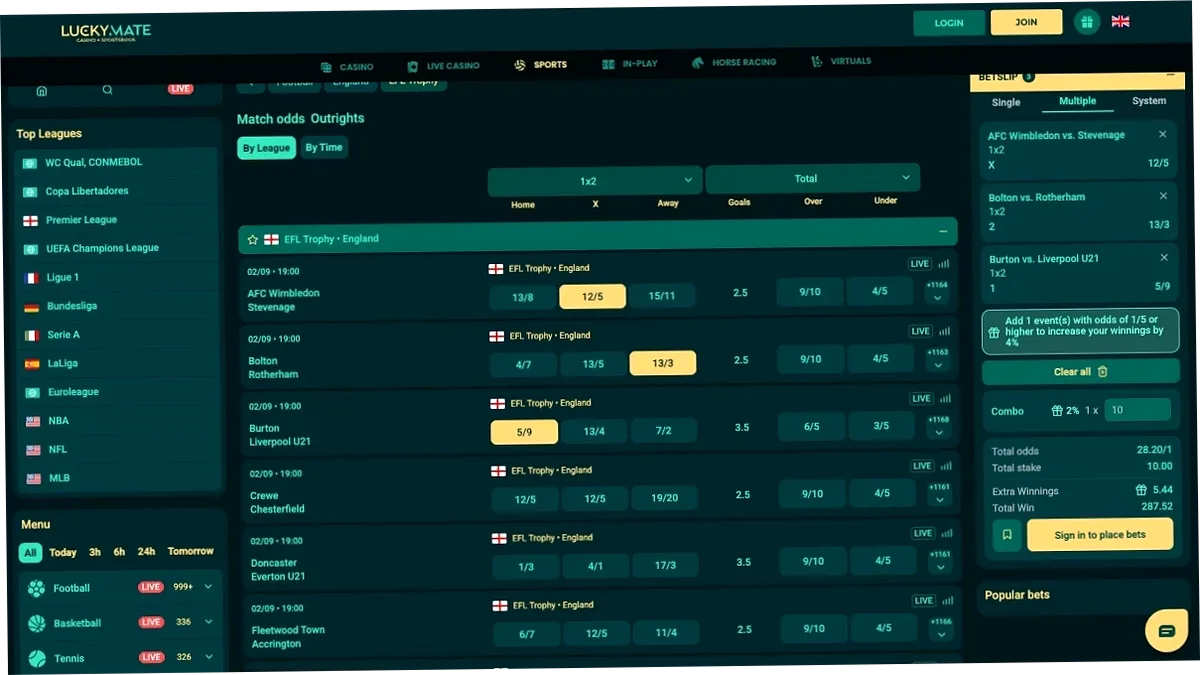
LuckyMate supports 8+ payment methods for players in India. Deposit via UPI, Paytm, PhonePe, or cryptocurrency — instant, zero fees from our side. Minimum deposit starts from ₹500. Fund your account in under 2 minutes and activate your 150% welcome bonus up to ₹30,000.
Available Deposit Methods in India
All deposit methods work 24/7. Zero commission from LuckyMate. Funds credited instantly or within minutes.
| Method | Min Deposit | Max Deposit | Speed | Fee |
|---|---|---|---|---|
| UPI (Google Pay, PhonePe, Paytm) | ₹500 | ₹5,00,000 | Instant | Free |
| Paytm Wallet | ₹500 | ₹1,00,000 | Instant | Free |
| PhonePe | ₹500 | ₹2,00,000 | Instant | Free |
| Net Banking / IMPS | ₹1,000 | ₹10,00,000 | 5–15 min | Free |
| NEFT / RTGS | ₹5,000 | No limit | 15–30 min | Free |
| Bitcoin (BTC) | ₹500 | No limit | 5–10 min | Free |
| USDT (Tether) | ₹500 | No limit | Instant | Free |
| Ethereum (ETH) | ₹500 | No limit | 1–5 min | Free |
How to Make a Deposit — Step by Step
- Log in to your LuckyMate account — or register first if you are new.
- Click "Deposit" in the top right corner of the screen.
- Select your preferred payment method — UPI, Paytm, PhonePe, Net Banking, or Crypto.
- Enter the deposit amount (minimum ₹500 for most methods).
- Select your welcome bonus — Casino 150% or Sports 100%. Use promo code LUCKYMATE or LMSPORTS.
- Confirm the transaction via your payment app or bank.
- Enter the Transaction ID (UTR) if prompted — the 10–12 digit number from your payment receipt.
- Funds appear on your LuckyMate balance within seconds to 15 minutes.
Deposit Methods in Detail
UPI (Google Pay, PhonePe, Paytm UPI)
UPI (Unified Payments Interface) is the most popular deposit method in India — instant transfers between bank accounts using a mobile number or UPI ID. Supported apps: Google Pay, PhonePe, Paytm, BHIM, and all bank UPI apps.
| Pros | Cons |
|---|---|
| Instant deposit, credited in seconds | Daily UPI transaction limit (usually ₹1,00,000/day per app) |
| No additional app download needed | Requires active internet banking or UPI setup |
| Works across all Indian banks — 200+ supported | Some banks temporarily block gaming transactions |
Paytm Wallet
Paytm Wallet is a digital wallet separate from Paytm UPI. Funds stored in the wallet can be transferred to LuckyMate directly without a bank authentication step.
Net Banking / IMPS / NEFT
Direct bank transfers accepted from all major Indian banks including HDFC, SBI, ICICI, Axis, Kotak, Yes Bank, Punjab National Bank, Bank of Baroda, and 100+ others.
- IMPS — processes in 5–15 minutes, available 24/7 including weekends
- NEFT — processes in 15–30 minutes, available 24/7
- RTGS — for large amounts above ₹2,00,000, same-day processing
Cryptocurrency (Bitcoin, USDT, Ethereum)
Crypto deposits have no maximum limits and are processed without any intermediary. Ideal for higher deposit caps or financial privacy.
| Coin | Min Deposit | Speed | Network |
|---|---|---|---|
| Bitcoin (BTC) | ₹500 (~$6) | 5–10 min | Bitcoin mainnet |
| USDT (Tether) | ₹500 (~$6) | Instant | TRC-20 (preferred) / ERC-20 |
| Ethereum (ETH) | ₹500 (~$6) | 1–5 min | Ethereum mainnet |
| Litecoin (LTC) | ₹500 (~$6) | 1–3 min | Litecoin mainnet |
Note: Use TRC-20 network for USDT — it is faster and has near-zero network fees compared to ERC-20. Always copy the deposit wallet address carefully — crypto transfers cannot be reversed.

How to Deposit via LuckyMate Mobile App
All payment methods are available in the LuckyMate app with the same limits and zero fees. Open the app → tap "Deposit" → select your method → enter the amount → confirm. Same instant speed, same bonus activation, same zero commission.
Download AppDeposit Bonuses — Get Extra on Every Top-Up
- Welcome Casino Bonus: +150% on 1st deposit up to ₹30,000 + 150 Free Spins — use code LUCKYMATE
- Sports Welcome Bonus: +100% on 1st deposit up to ₹15,000 — use code LMSPORTS
- Weekly Reload Bonus: +20% every Friday — use code BIGBASS
- Weekly Cashback: Up to 10% refund on net losses — credited automatically
- Drops & Wins (Pragmatic Play): ₹50,00,000+ monthly prize pool — no code required
Deposit Security — Your Money is Protected
- 256-bit SSL encryption on all deposit transactions
- Licensed by Curacao eGaming No. 8048/JAZ
- PCI-DSS compliant payment partners
- No third-party access to your payment credentials
- All payment partners certified — UPI partners regulated by NPCI; crypto via audited blockchain addresses
Common Deposit Problems & Solutions
| Problem | Solution |
|---|---|
| Deposit not credited after 15 minutes | Check the transaction status in your UPI or banking app. If "Completed" — contact Live Chat with a screenshot |
| "Payment failed" error | Verify sufficient balance. Check daily UPI limit. Try a different UPI app or switch to Net Banking |
| Amount below minimum | UPI minimum is ₹500; Net Banking minimum is ₹1,000 |
| Bank declined the transaction | Some banks block gaming transfers. Contact your bank or switch to USDT/crypto |
| UPI app not loading the payment page | Clear app cache, update the UPI app, or try a different one |
| Deposit credited but balance unchanged | Log out and log back in. Contact Live Chat with your UTR/transaction ID |
Withdrawal Overview — How to Cash Out
Withdrawals are processed via the same methods used for deposit. Minimum withdrawal ₹1,000. Speed: instant to 15 minutes for crypto, 30 minutes to 4 hours for UPI.
| Method | Min Withdrawal | Speed |
|---|---|---|
| UPI (Google Pay, PhonePe, Paytm) | ₹1,000 | 30 min – 4h |
| USDT / BTC (Crypto) | ₹500 (~$6) | 10–15 min |
| Net Banking / IMPS | ₹1,000 | 1–24h |
Important Withdrawal Rules
- Closed-loop rule (AML): You can only withdraw to the SAME payment method used for your deposit
- Active bonus: Requesting a withdrawal will cancel any active unwagered bonus
- Deposit turnover: Your deposit must be wagered at least x1 before withdrawal
- KYC required: First withdrawal requires identity verification (Aadhaar, PAN, or Passport)
Frequently Asked Questions — Deposits at LuckyMate
What is the minimum deposit at LuckyMate India?
₹500 via UPI and most other methods. Net Banking and IMPS minimum is ₹1,000. Crypto minimum is approximately ₹500 equivalent.
How long does a deposit take at LuckyMate?
UPI: instant (5–10 seconds). USDT (TRC-20): instant to 2 minutes. Bitcoin: 5–10 minutes. Net Banking: 5–15 minutes. NEFT: 15–30 minutes.
Is there a deposit fee at LuckyMate?
No. LuckyMate charges zero fees on all deposits.
Can I deposit with cryptocurrency at LuckyMate India?
Yes. Bitcoin, USDT (TRC-20 and ERC-20), Ethereum, and Litecoin are all supported. Crypto deposits have no maximum limit.
What payment methods are available in India?
UPI (Google Pay, PhonePe, Paytm, BHIM), Paytm Wallet, Net Banking (IMPS/NEFT/RTGS), Bitcoin, USDT, Ethereum, and Litecoin.
Can I deposit via the LuckyMate mobile app?
Yes. All deposit methods are fully available in the Android APK and iOS PWA with identical limits and zero fees.
Do I get a bonus on my first deposit?
Yes. Casino: 150% up to ₹30,000 + 150 FS with code LUCKYMATE. Sports: 100% up to ₹15,000 with code LMSPORTS.
My deposit did not go through — what do I do?
Check your UPI or banking app transaction status. If "Completed", contact Live Chat with a screenshot and UTR number. If "Failed", wait 10 minutes and try again.
Is it safe to deposit at LuckyMate?
Yes. All transactions use 256-bit SSL encryption. LuckyMate is licensed by Curacao eGaming (No. 8048/JAZ). All payment partners are PCI-DSS compliant.
Where do I find my Transaction ID (UTR number)?
Open your UPI app → Transaction History → tap the completed transfer → the UTR is the 12-digit alphanumeric code shown in the details.
Deposit & Claim Your Bonus
Fund your account now and get 150% bonus up to ₹30,000 on your first deposit.
Deposit & Claim Bonus